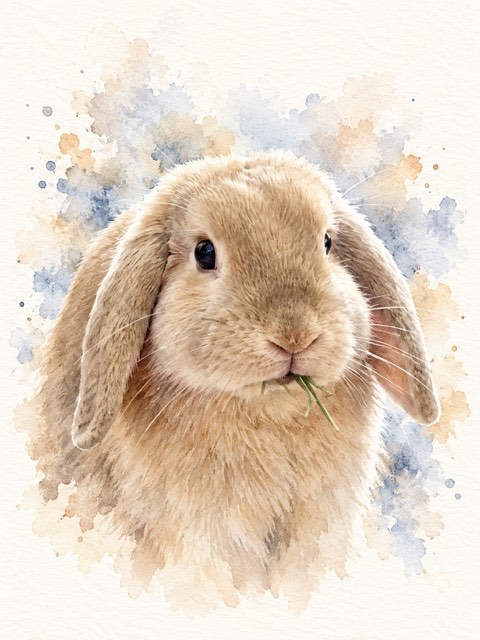
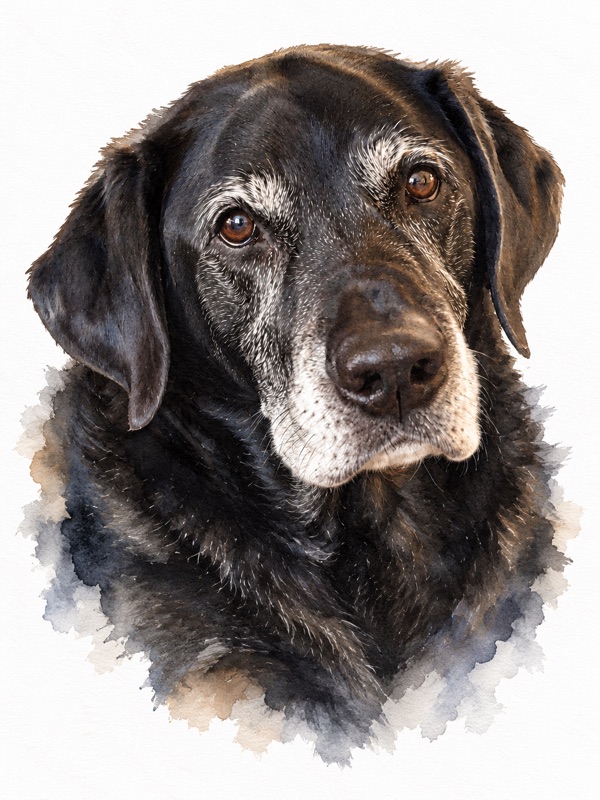
 Watercolor
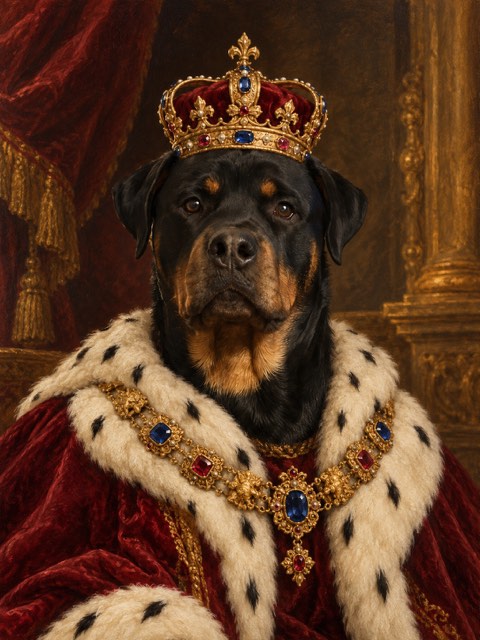
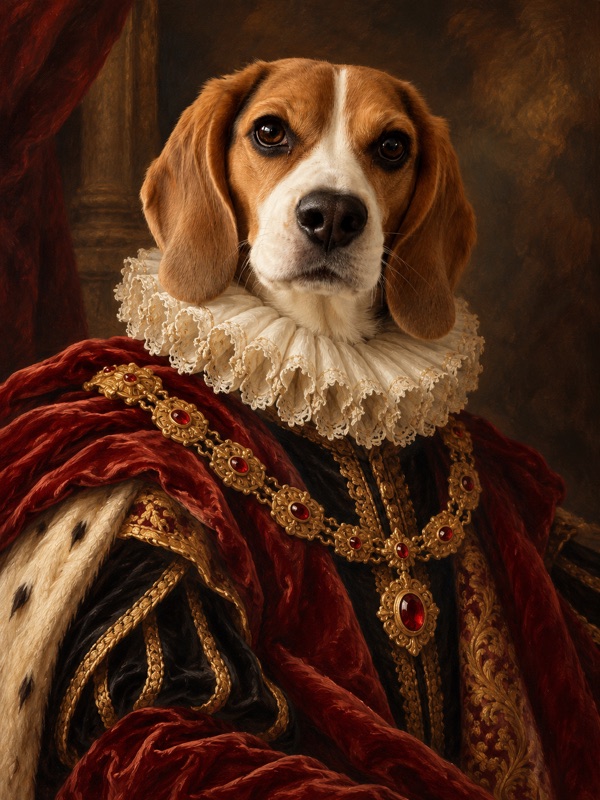 Royal portrait
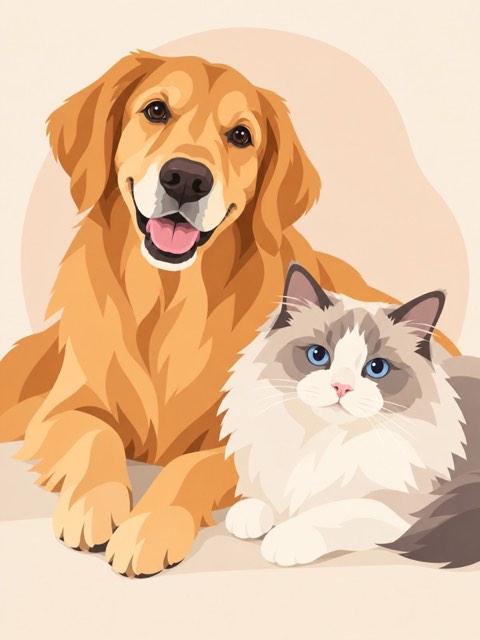
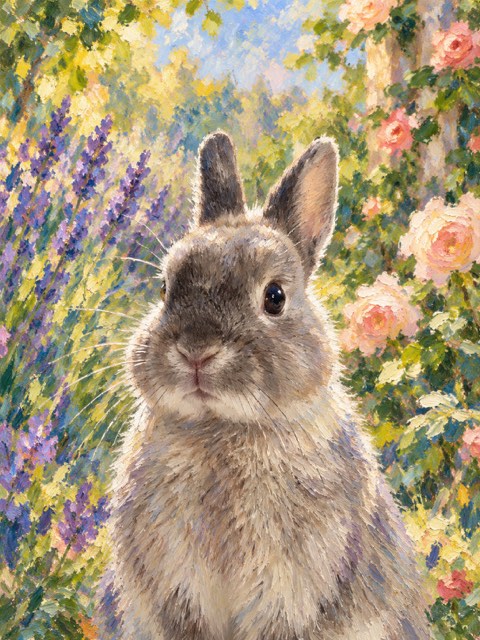 Garden portrait
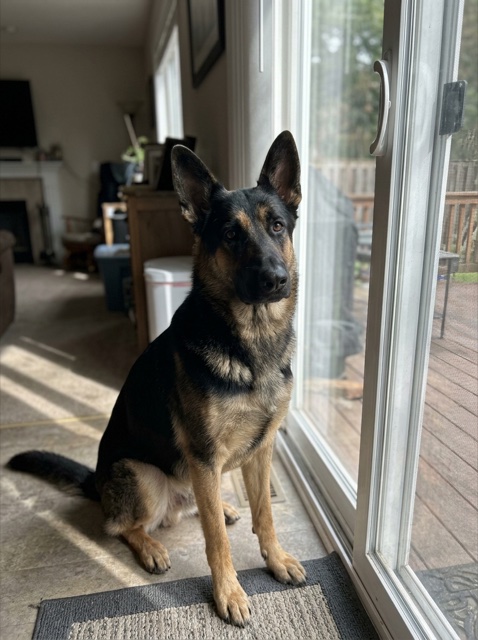
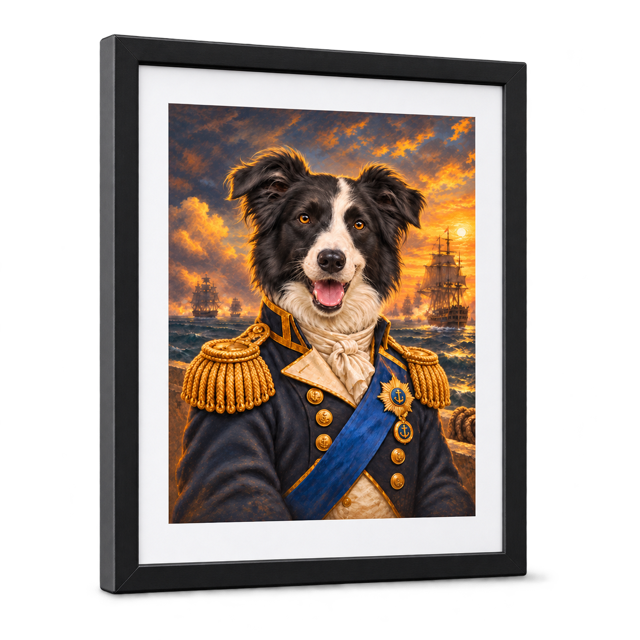
Discover their next look.
Browse the ImagiTails gallery in ChatGPT, choose a style, then tap Apply style.
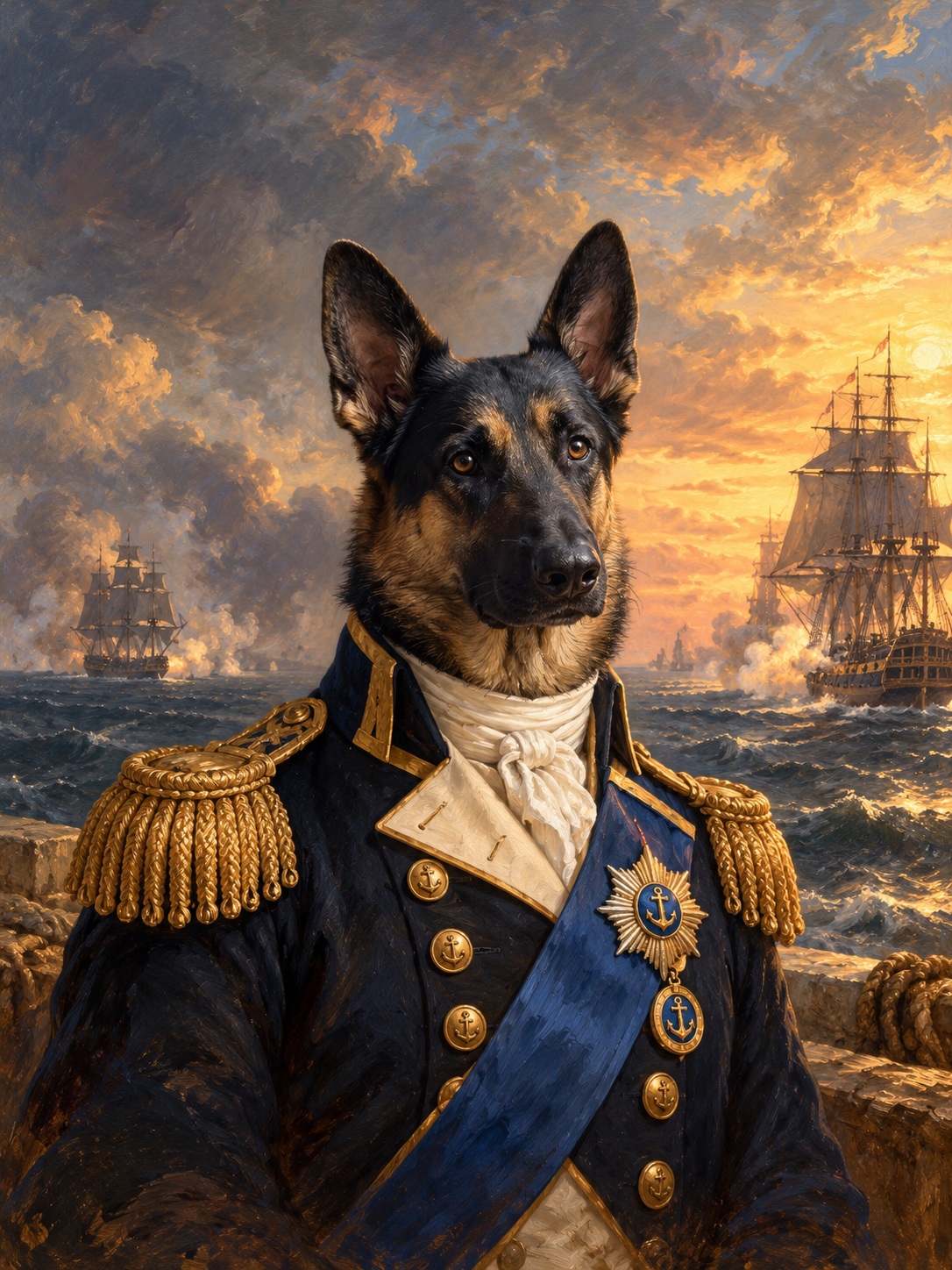
A little imagination. A lot of personality.
Create a pet portrait with ImagiTails in ChatGPT.
 Create in ChatGPTOpen ChatGPT, then choose the ImagiTails plugin.
Browse the ImagiTails gallery in ChatGPT, choose a style, then tap Apply style.
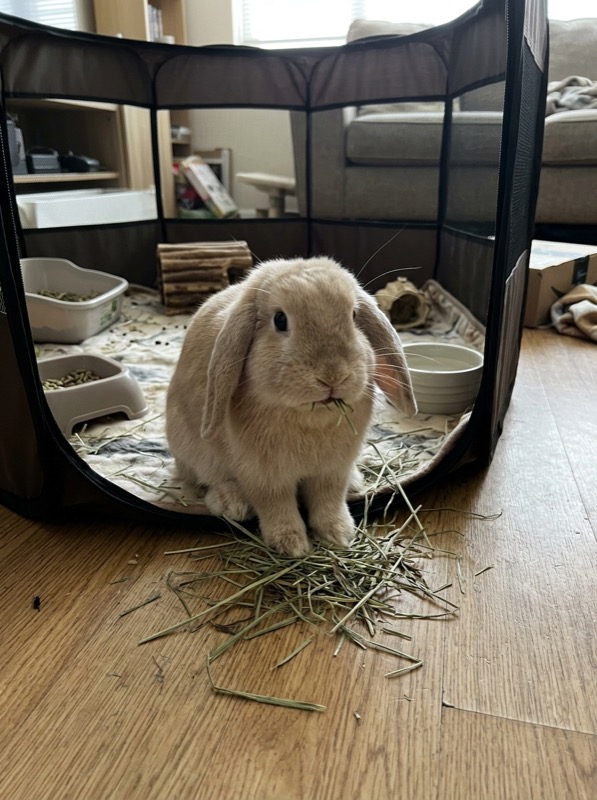
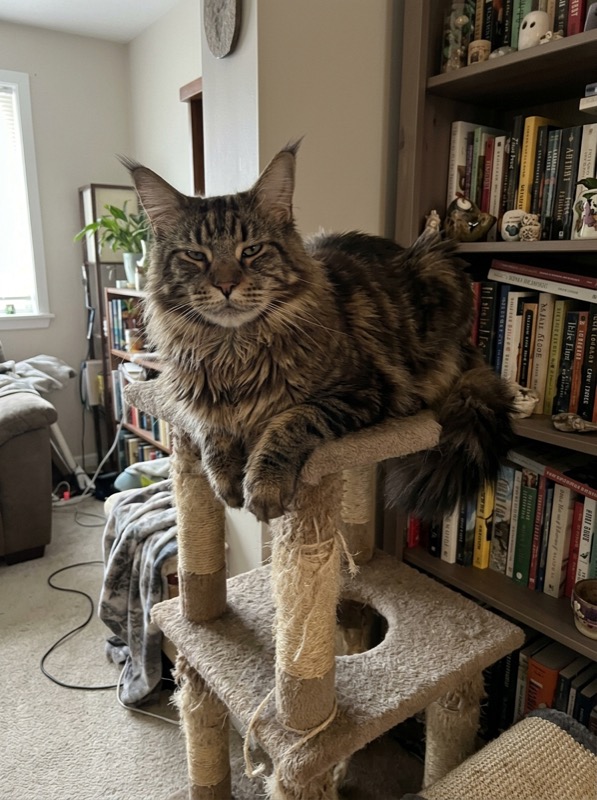
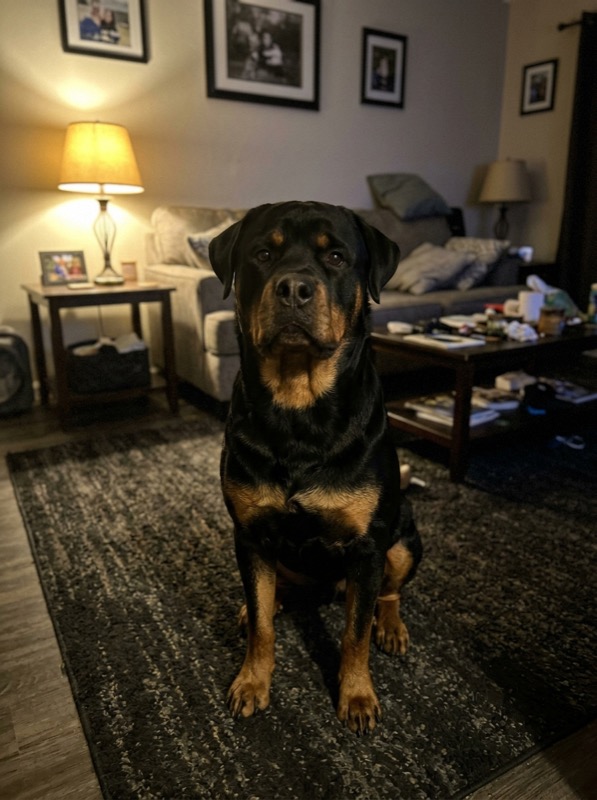
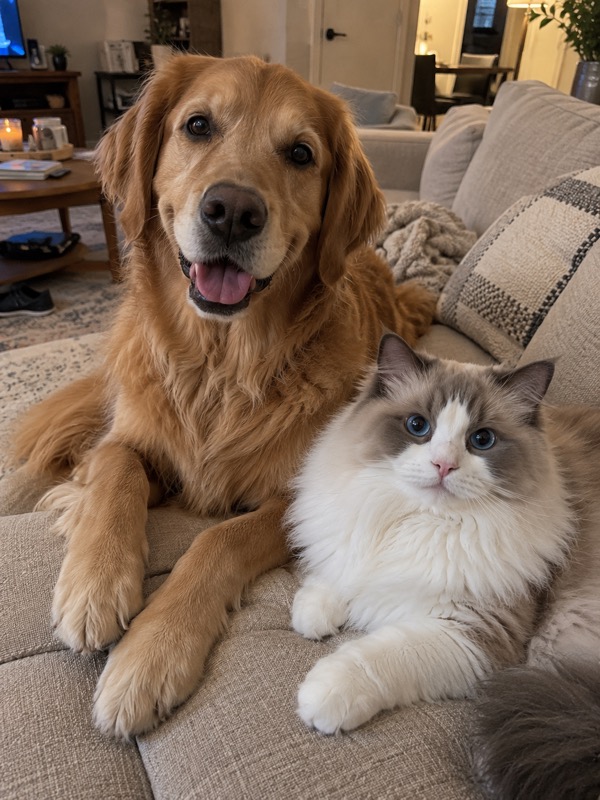
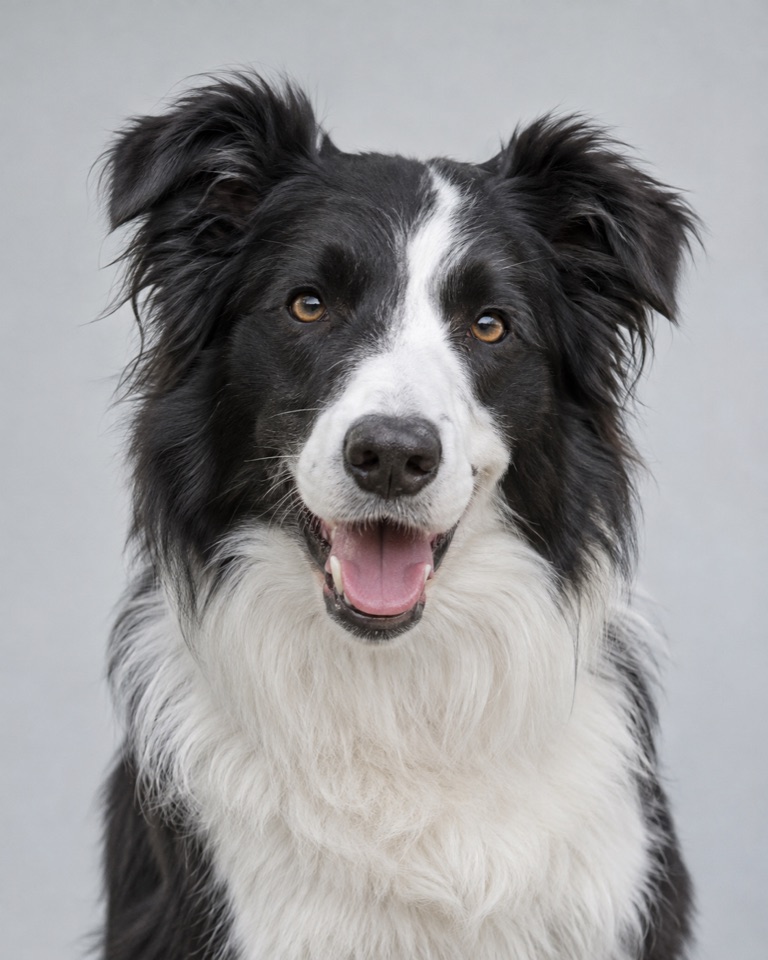
Attach your pet’s photo with + in ChatGPT. Then send the separate Create my portrait message.
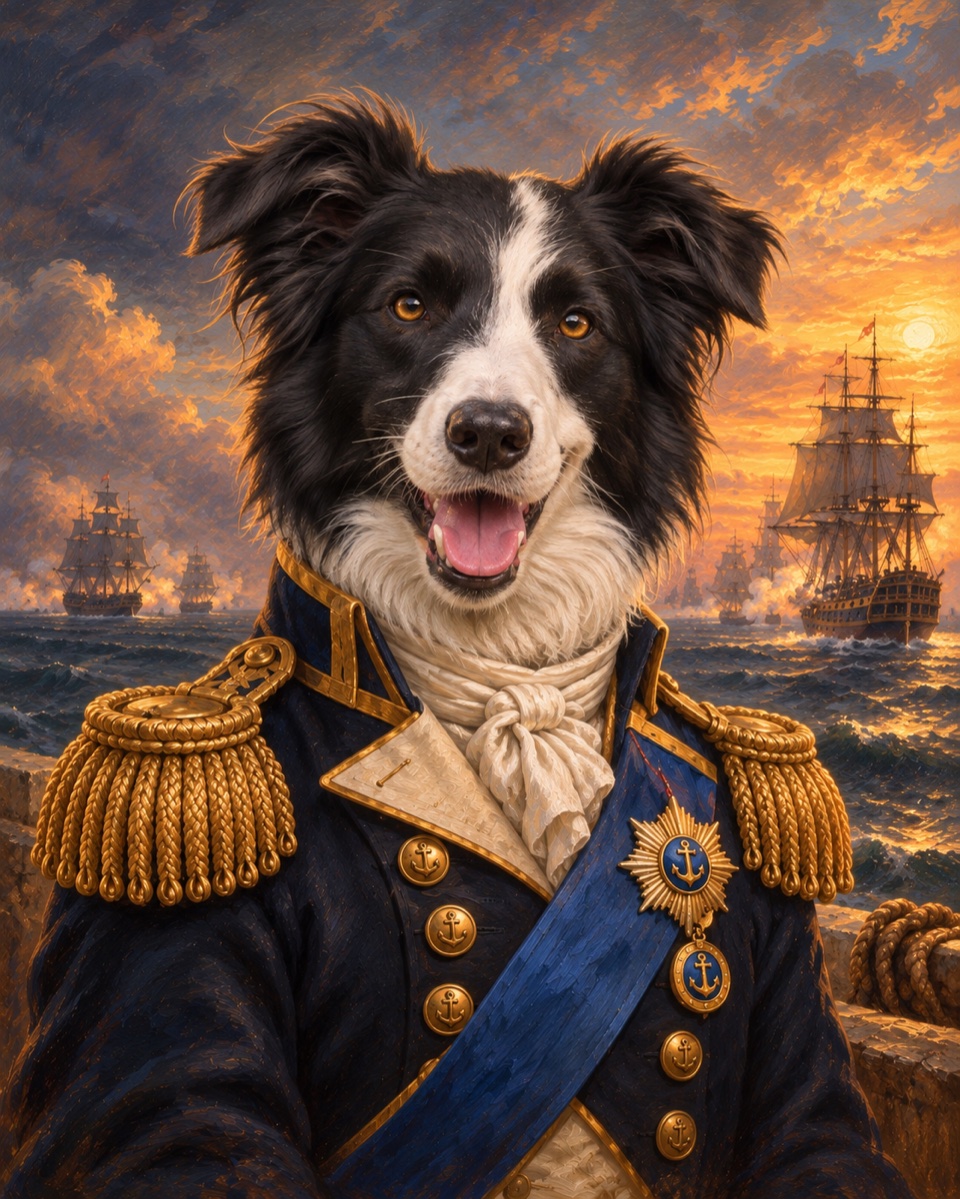
Your pet, reimagined. Ask ChatGPT for changes in your own words.
Ask ChatGPT for printing options. Open the ImagiTails website to explore framed portraits, postcards, mugs and tote bags.
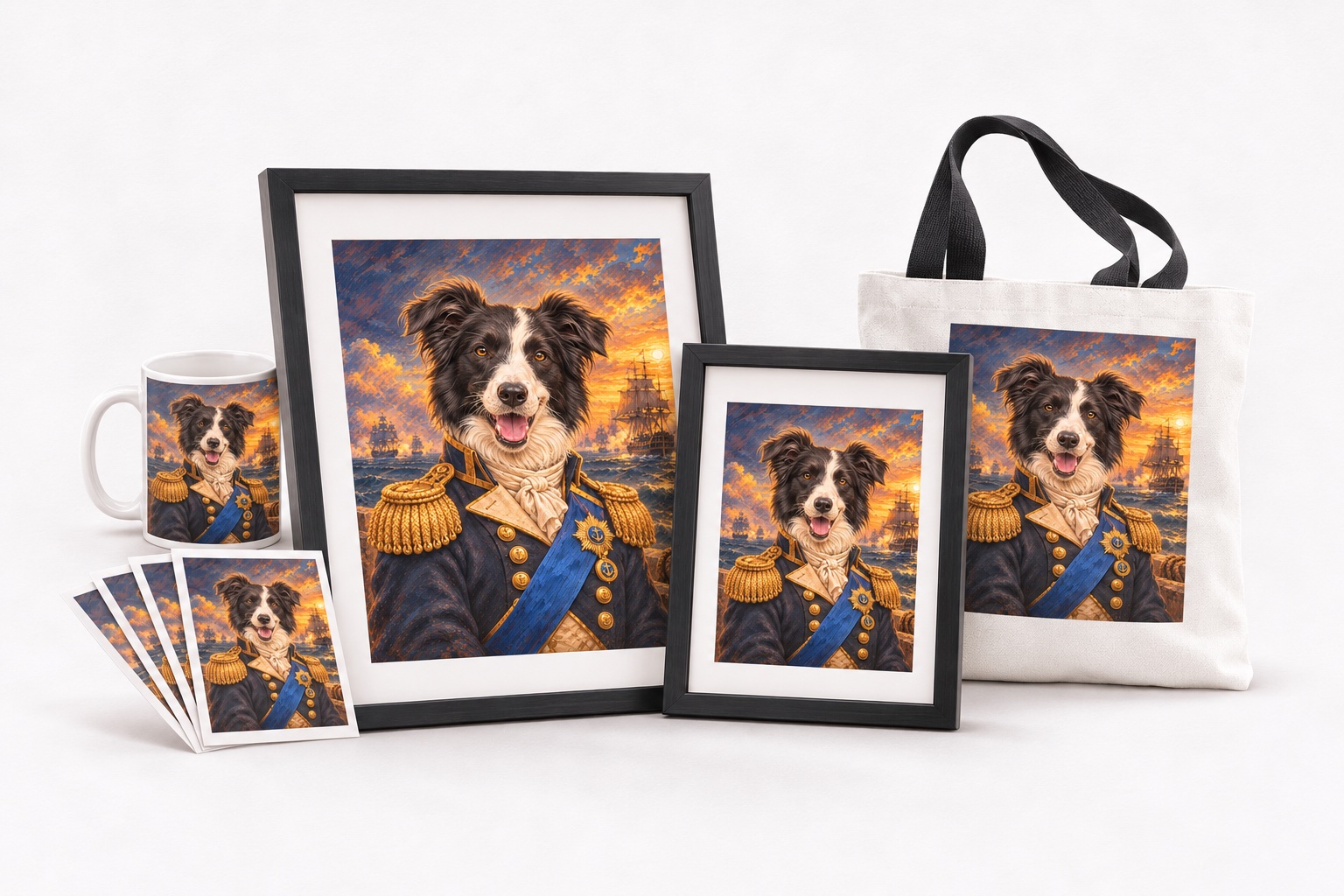
A gift that could only be theirs.
Framed portraits in two sizes, postcards, mugs and tote bags.
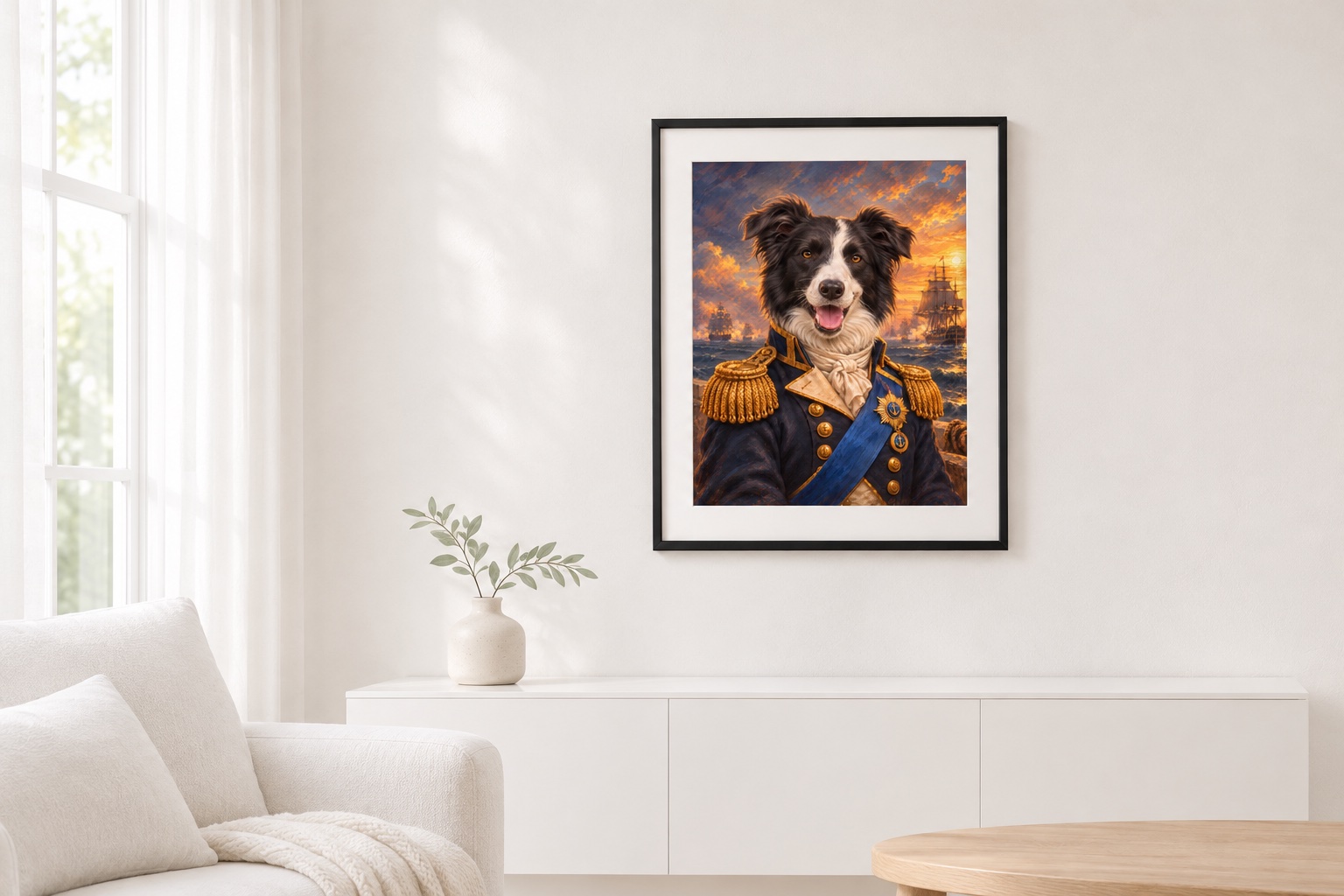
A little regal. A little playful. Entirely them.
Explore the style library and find your starting point.
Change a color. Try a new idea.
Tell ChatGPT what you’d like to make yours.
Create in ChatGPTChoose the ImagiTails plugin in ChatGPT.